Cupix Campus

Master Cupix Spatial AI Solution at Your Own Pace

From foundational concepts and basic skills to advanced analytics, our structured learning paths guide you through mastering the CupixWorks platform.

Access Note
Cupix Campus is available exclusively to CupixWorks users. Use your CupixWorks email to activate the account or sign in.

Access Cupix Campus

Cupix Campus is exclusively available to active CupixWorks users. Already using CupixWorks? Follow these simple steps to begin your learning journey:

Activate Your Cupix Campus Account

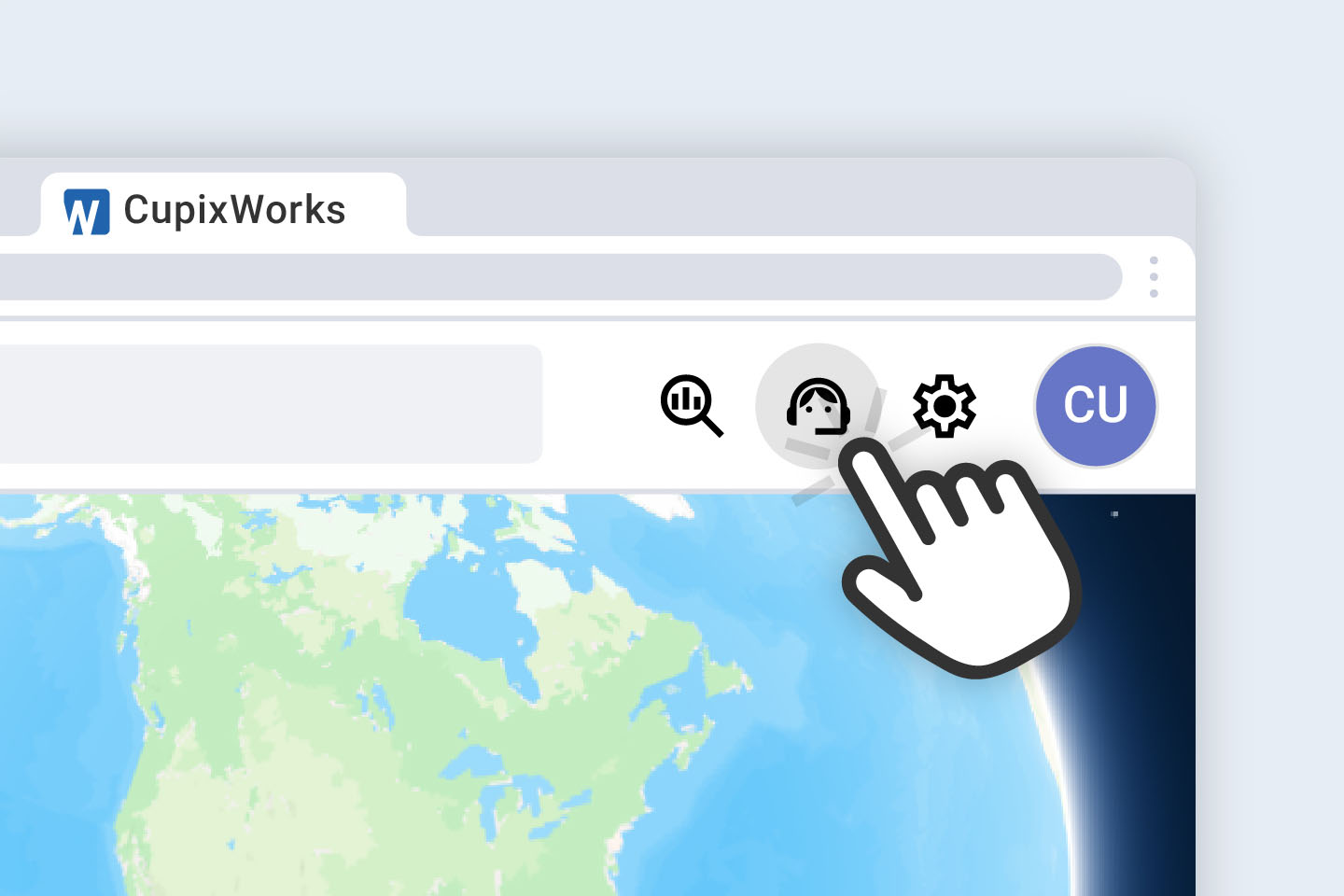
Sign in to CupixWorks, navigate to the Help menu on the top bar, and select Activate in the CupixCampus section.

Verify Your Email

Check your inbox for the invitation email and use the provided link to set up your password. Note that the Cupix Campus site requires a new password.

Start Learning

Browse the course catalog, simply enroll in the classes you want, and start learning right away at your own pace.
Still having trouble? Contact us at cupixcampus@cupix.com.
Learning Tracks

Comprehensive Training for Every Role

Cupix Campus delivers role-specific training designed to empower your entire team—from field engineers capturing site’s as-built context to executives gaining strategic insights.
3D Site Capture
Master the art of 3D site documentation using the Cupix capture app and a 360° camera. Gain proficiency in collecting, organizing, and seamlessly uploading site capture files from the field to the cloud.
Virtual Site Collaboration
Learn to navigate immersive virtual sites, coordinate with BIM models, verify design discrepancies, and collaborate effectively to connect your entire team.
AI-Powered Analytics
Unlock powerful insights by tracking construction progress, comparing schedules against reality, and generating actionable reports that drive better decisions.

Training FAQ

Can anyone join Cupix Campus?
 No. Cupix Campus is only available to CupixWorks users. To join, activate Cupix Campus from within CupixWorks and complete your Cupix Campus account setup.
 I didn’t receive an invitation email. Can I still log in?
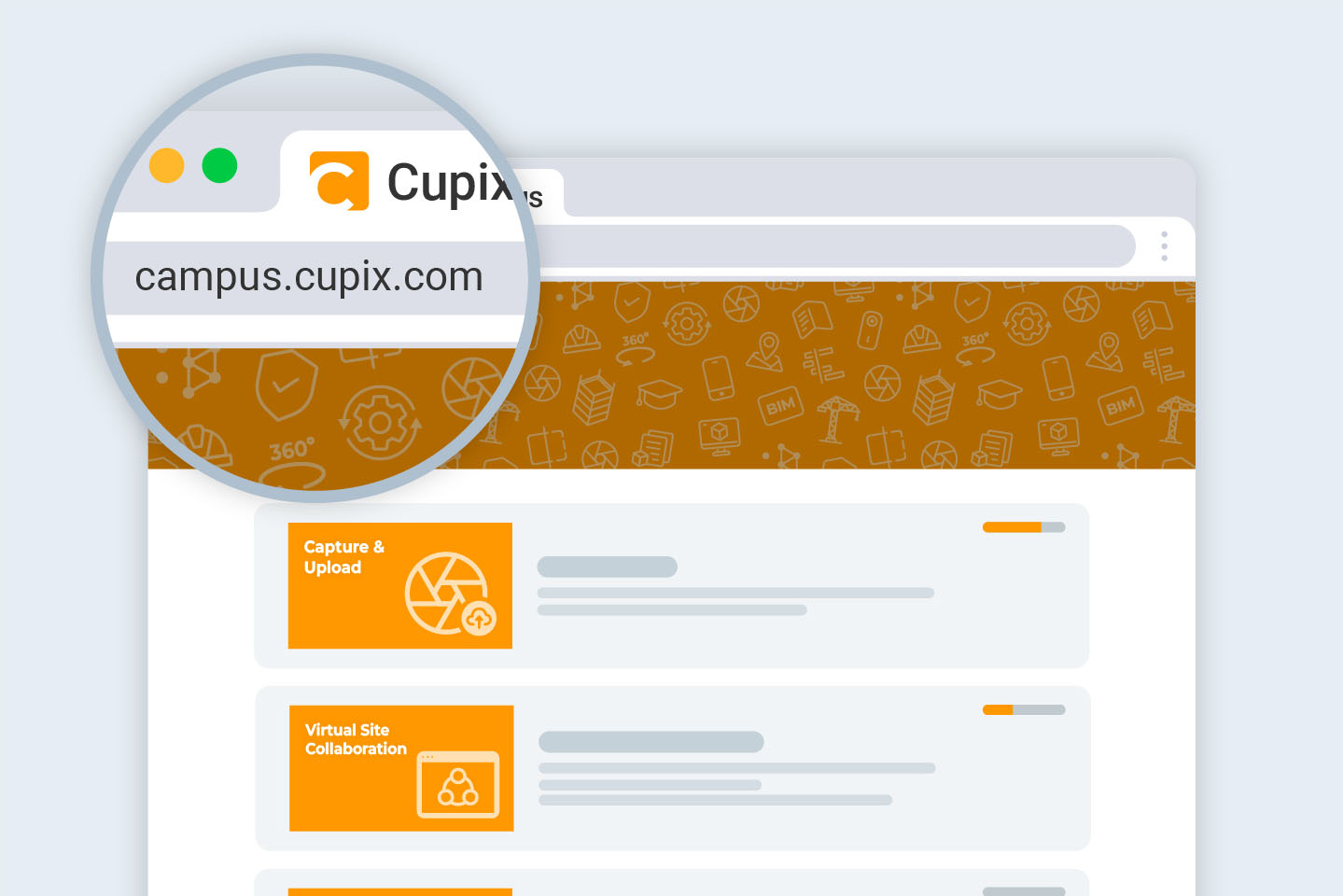
Check your spam or junk folder. If you still don’t see it, go to campus.cupix.com, click “Forgot Password”, and enter your CupixWorks email address to reset your password.

Still having issues? Contact our support team at cupixcampus@cupix.com.
Do I need to sign up for Cupix Campus separately?
No, once you click Activate in the CupixWorks Help menu as stated above and create a new password using the invitation email, your Cupix Campus access will be ready.
How long does it take to complete the coursework?
Courses are self-paced, and your progress is saved automatically.Most users complete one learning path per week while continuing their regular project work.

Still having issues? Contact cupixcampus@cupix.com.
See what Cupix can do for you.