





360° Video to 3D Map
Build a 3D digital twin with just a 360° camera
Our advanced digital twin platform converts standard 360° footage into both detailed mesh-based 3D maps and immersive panoramic virtual tours, providing multiple spatial digital twin representations from a single capture.

Building your 3D digital twin is as easy as 1-2-3

Capture
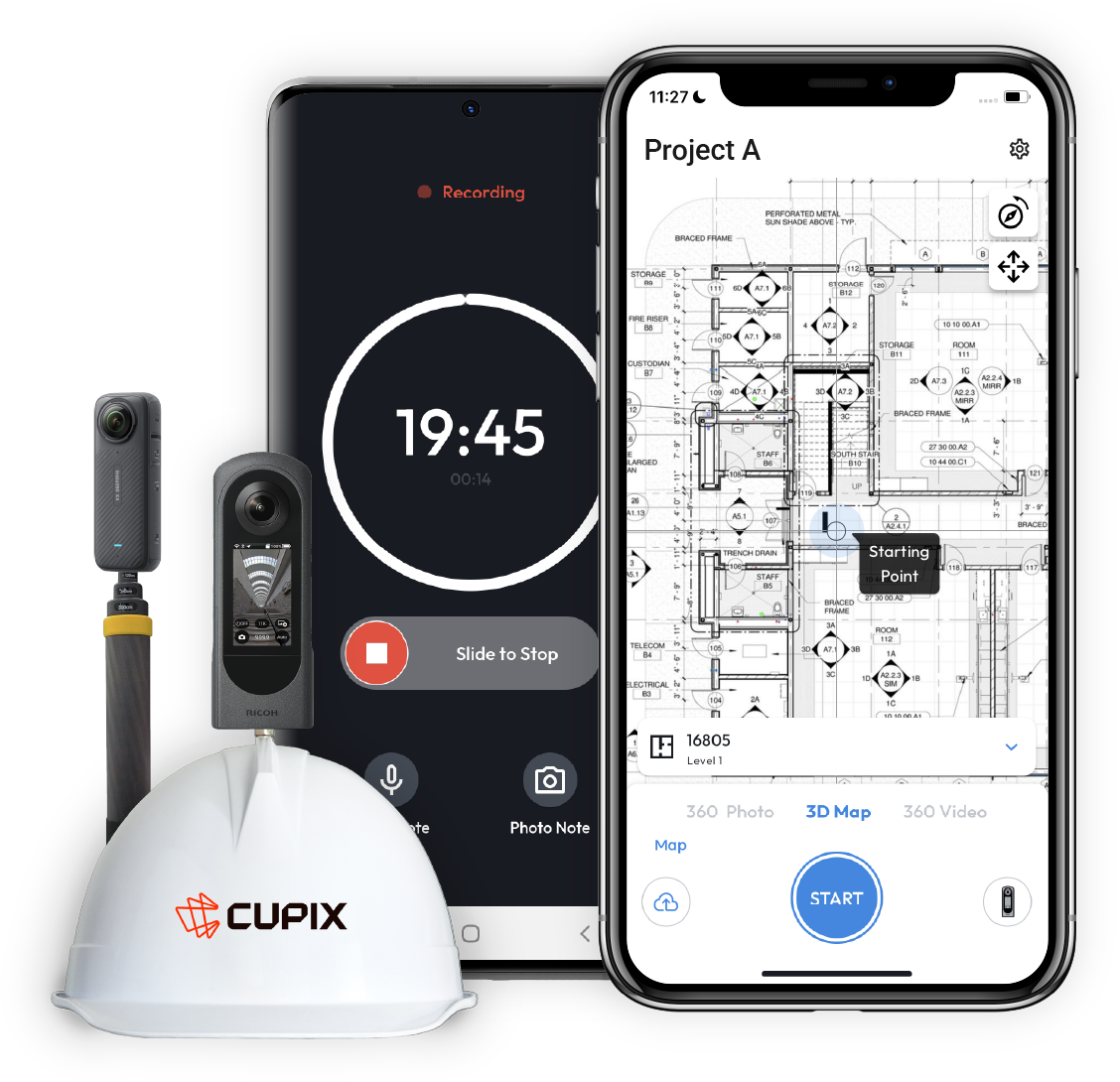
Your job is as simple as recording a video. Grab a 360° camera and walk around your site.

Process
Our AI engine does the rest like magic nd turns video footage into 3D digital twin.

Explore
Collaborate and share the 3D map using SiteView, our browser-based virtual site viewer.
Step 1
Record 360° Video
Capture your site with remarkable ease using a consumer-grade 360° camera. Simply mount the camera on your hard hat or selfie stick and walk through your site while recording a video— no complex setup, additional equipment, or technical expertise required.


Step 2
Cloud AI Processing
Our vision AI engine processes 360° videos, reconstructs the walking path in 3D, maps out 360° photo frames, and can even transform your job site's 360° video footage into an immersive and realistic 3D map.
Step 2
Cloud AI Processing
Our vision AI engine processes 360° videos, reconstructs the walking path in 3D, maps out 360° photo frames, and can even transform your job site's 360° video footage into an immersive and realistic 3D map.

Step 3
4D Exploration
Compare your site's as-built context against BIM designs in SiteView, a browser-based viewer that lets you explore and share geo-tagged, time-tracked spatial changes.

Cupix is our front door with an owner. They're really impressed how we're able to quickly provide a source of truth that design teams can rely on.
Brian Arnold
Innovation Executive

READ STORY
360 Camera? Ready to Roll
Experience the fastest and easiest way to create and share 4D digital twins. All you need:


Stop rebuilding the record every time the plan changes.
Book a demo to see how Cupix automatically connects your site captures to your latest designs, timelines, and operational assets.
